01
Discover
Navigate knowledge network to efficiently learn and discover new ideas.
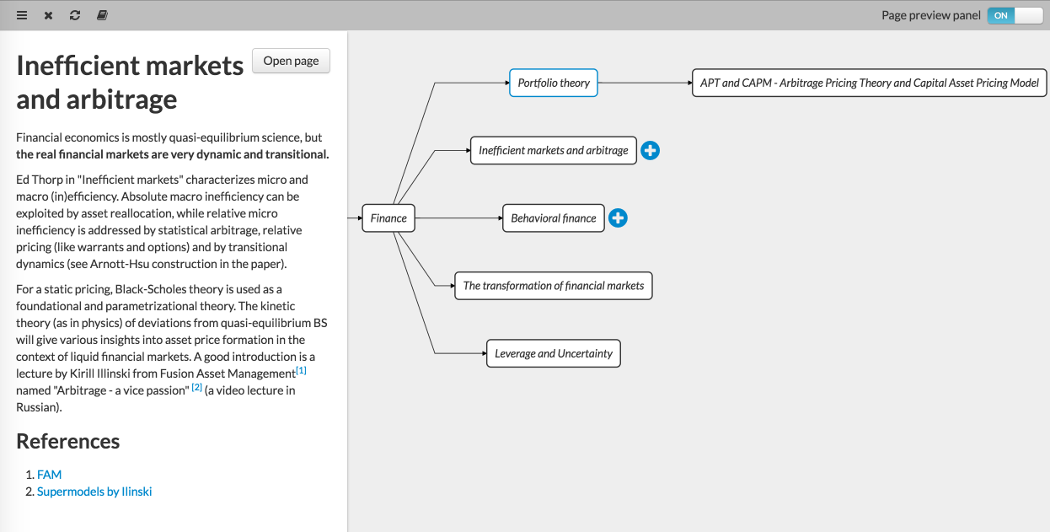
Knowledge grows when it connects
A place for curious minds to learn, research, and write together. Connect ideas in a living knowledge graph, from the big picture to the smallest detail.
Follow your curiosity.
From everyday motion to quantum matter.
Where mathematics meets music and art.
Add what you know. Build on what you learn.
A framework for efficient research collaboration and publishing, supported by

Built for curiosity
01
Navigate knowledge network to efficiently learn and discover new ideas.
02
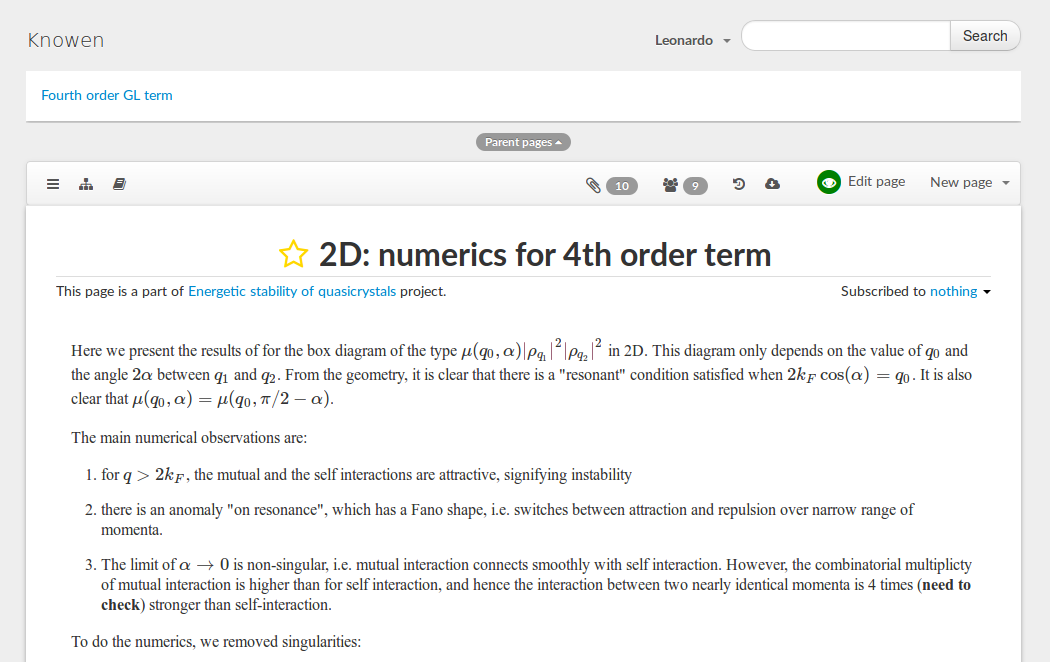
Write in groups, large or small, with no conflicts. Featuring personal drafts, LaTeX support for math and instant preview.
03
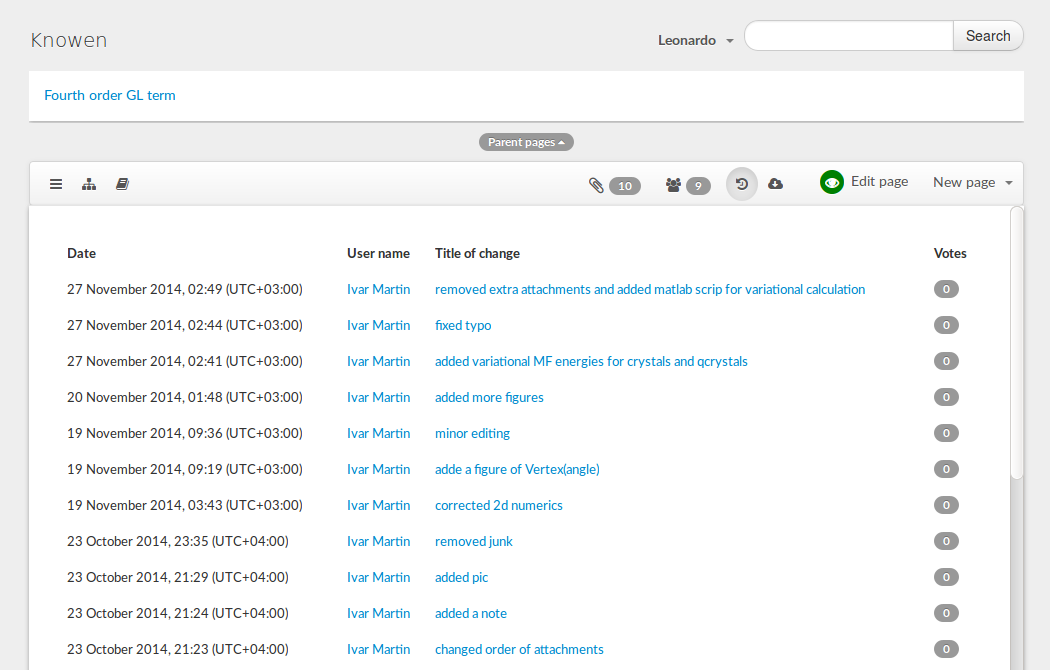
All changes are automatically saved in History.
04
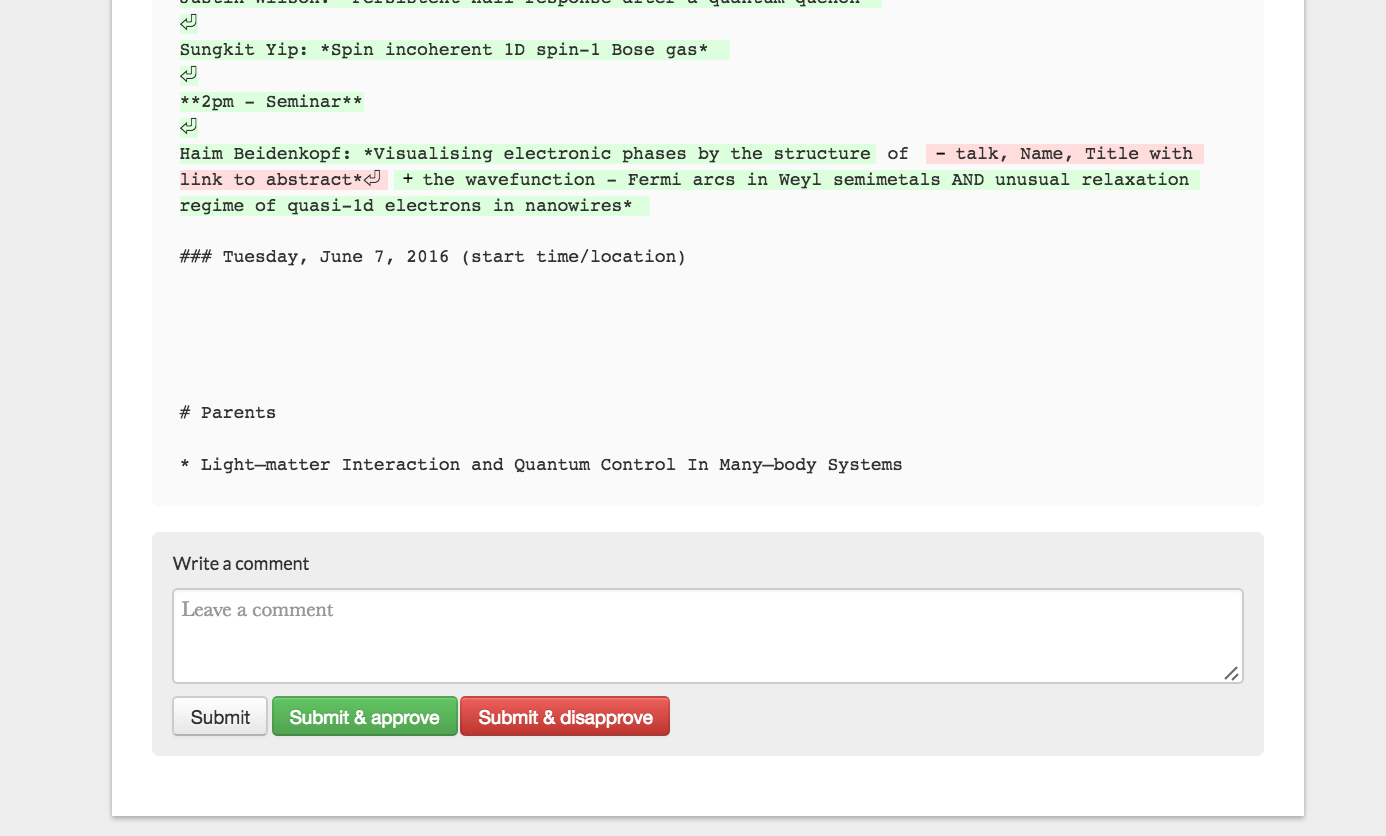
Give and receive feedback, track document changes and user activity.
05
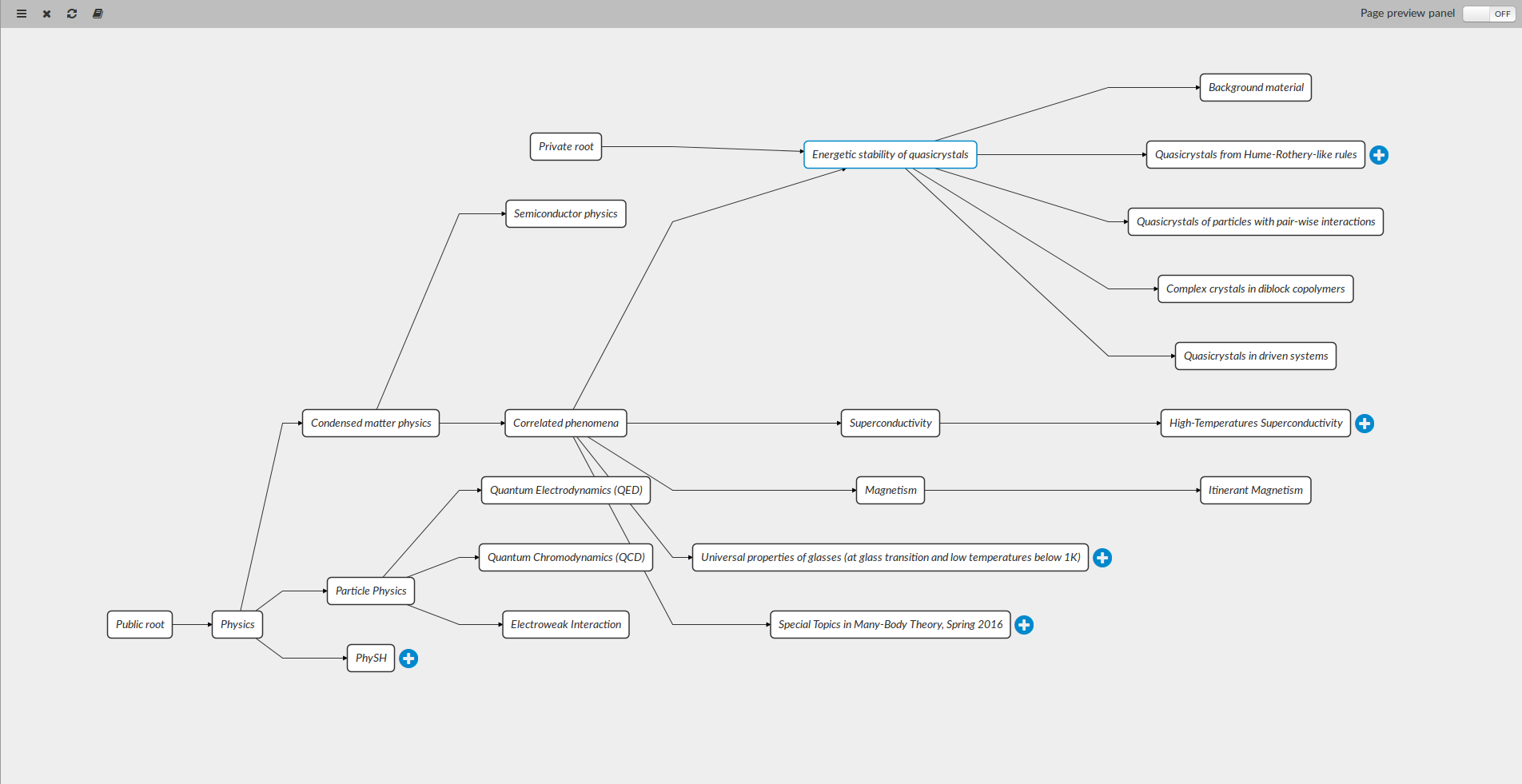
Build and navigate flexible content hierarchies for easy sharing and learning.
06
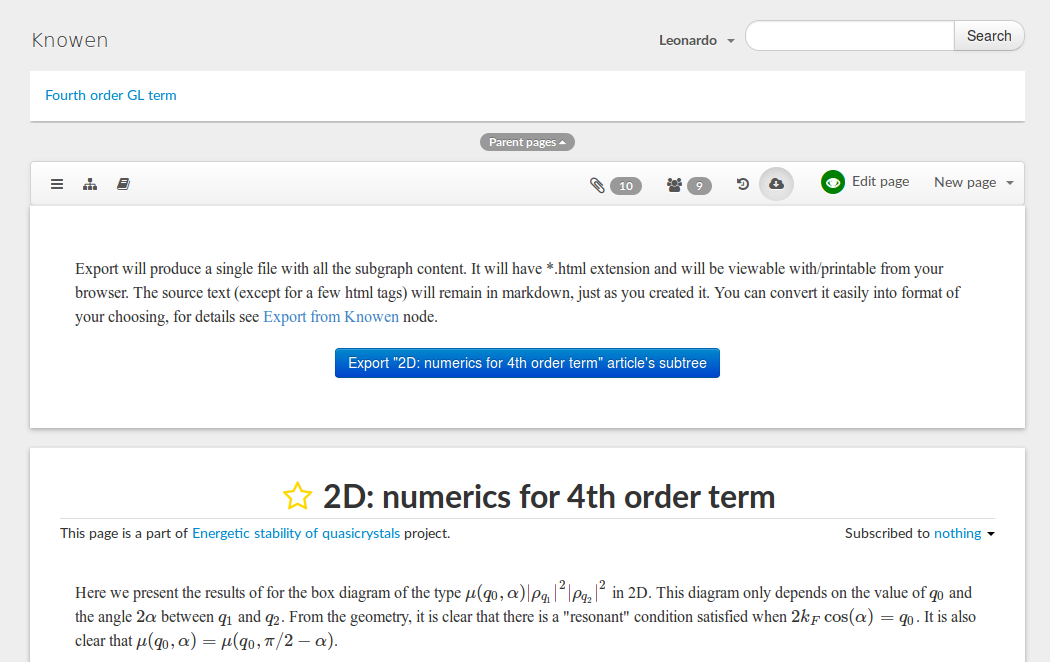
Export your content for off-line use or conversion into conventional journal articles.
07
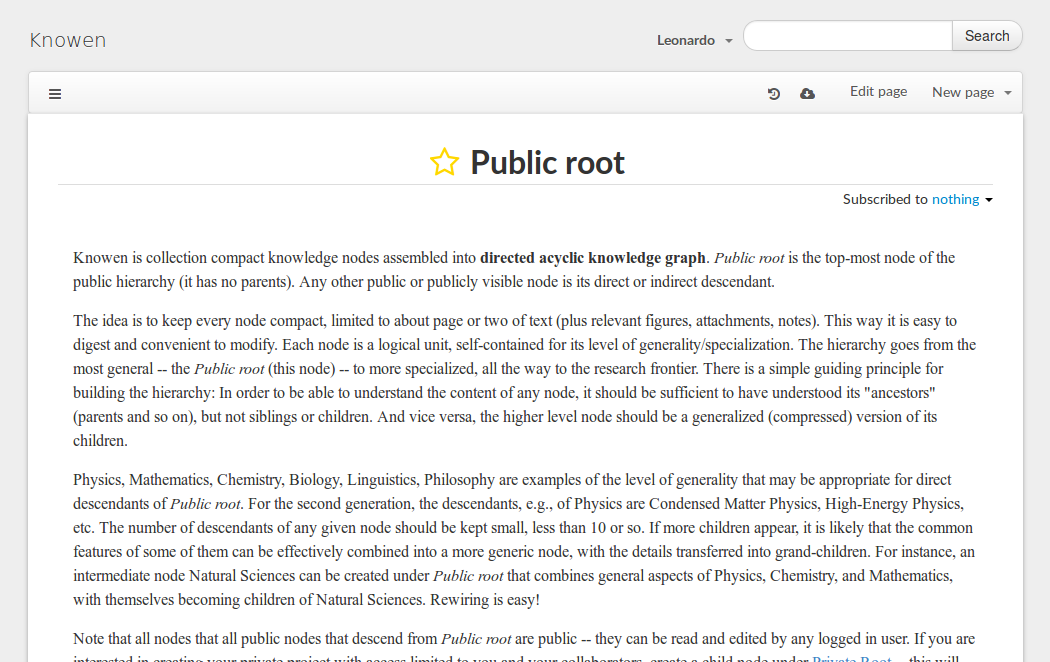
Connect your private knowledge graphs (private trees) to the public hierarchy to gain global visibility.
Our vision
Knowen is an experiment in progress that is being designed to organize, preserve, and expand human knowledge - placing it in a hierarchical knowledge base (graph) that makes it readily available to learners of all backgrounds and ages.
The rate of scientific and engineering innovation is rapidly increasing. With the advent of the Internet and powerful search engines, millions of research articles are accessible within seconds from anywhere in the world. Despite this, because of the complexity of a typical journal article and the redundancy among these, it is often as difficult today as it was 50 or 100 years ago to find a particularly relevant and verified piece of knowledge.
Knowen addresses this problem by:
Because it can grow and preserve the tree of human knowledge, Knowen can serve as a global clearinghouse for existing knowledge and emergent ideas. Existing content can be placed into a developing Knowen hierarchy of knowledge; new content can emerge directly within it, while connections can be established or reshaped as new information, or better understanding, emerges.
The people behind Knowen

Co-Founder, Designer, Physicist

Developer, Designer

Co-Founder
A few answers
No, all created content can be exported at any time. This is also a useful feature if you simply want to peruse the content off-line or share with others.
The goal is to provide a convenient platform for conducting research and sharing information.
Yes, we use Amazon servers for attachment and content storage. It's a highly reliable provider, with very little chance of information loss and downtime.
No.
Yes, it is. Please contact us for details.
Make room for your next idea
Explore content, create private trees, collaborate, and publish.
Explore public knowledge and experiment with the sandbox. Start with a subject that interests you.
Our community spans research and academia