There are several **navigation** options accessible from top menu bar
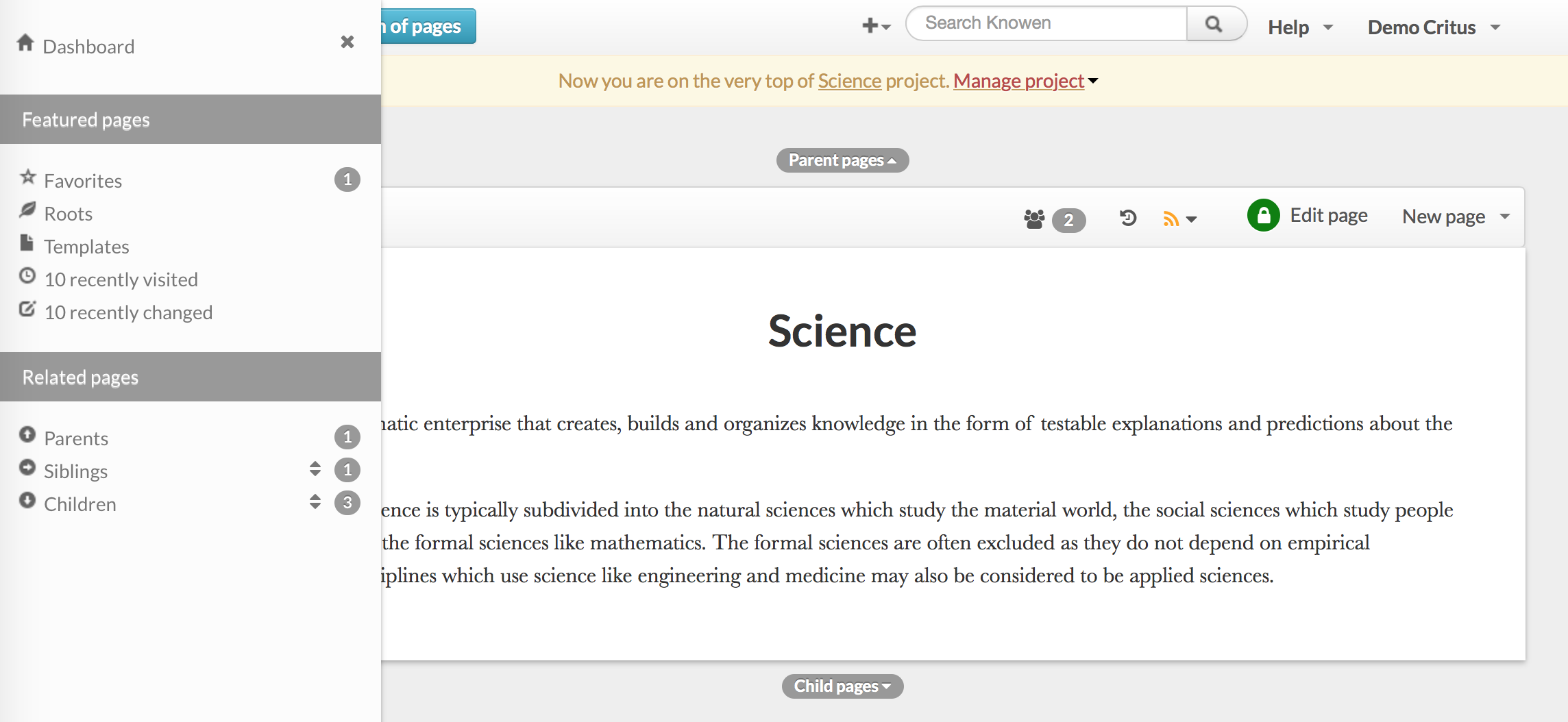
* Side bar, that shows all parents, siblings, and children of current node
* Graph of pages
* Table of contents (shows dates of most recent changes)
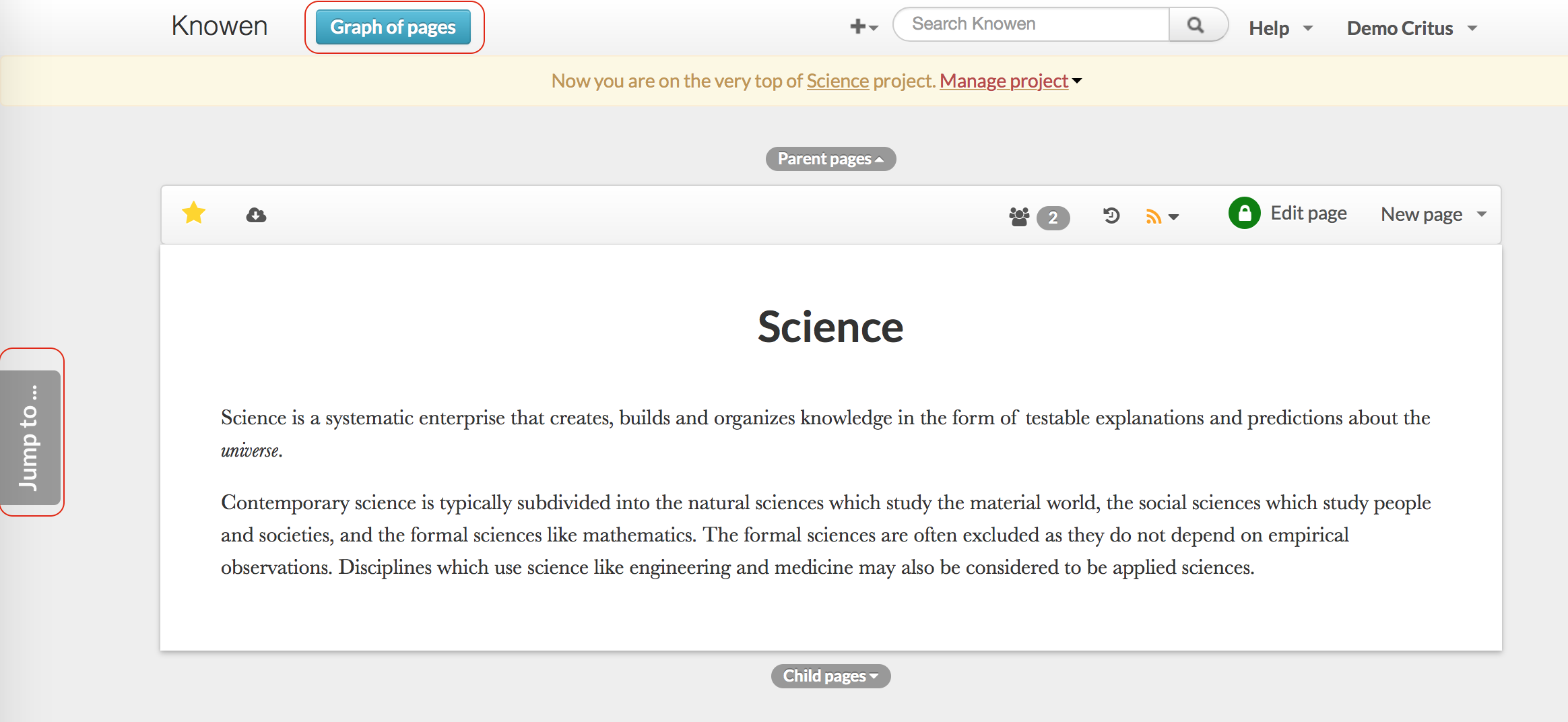
### Side Bar
Includes Favorites, recently visited, recently changed
***
***
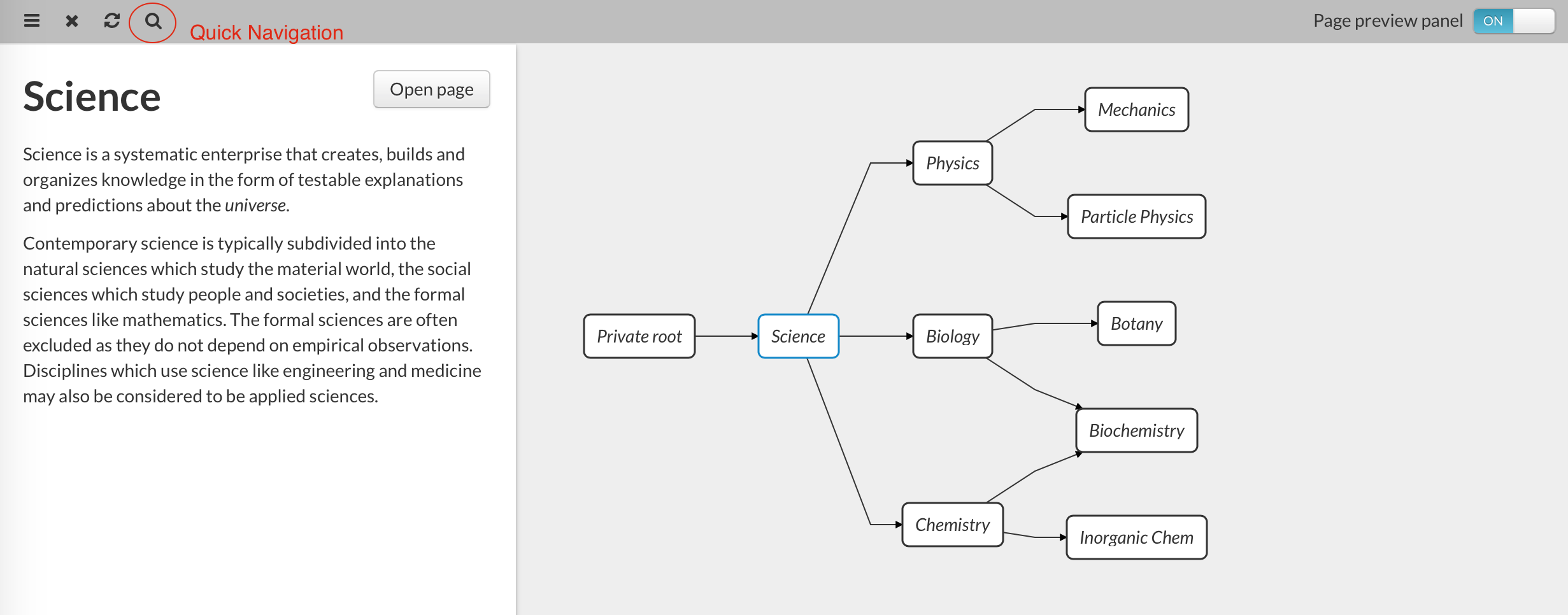
### Graph
Move, zoom, collapse/expand branches
***
***
By pointing at a particular node, you can see its preview.
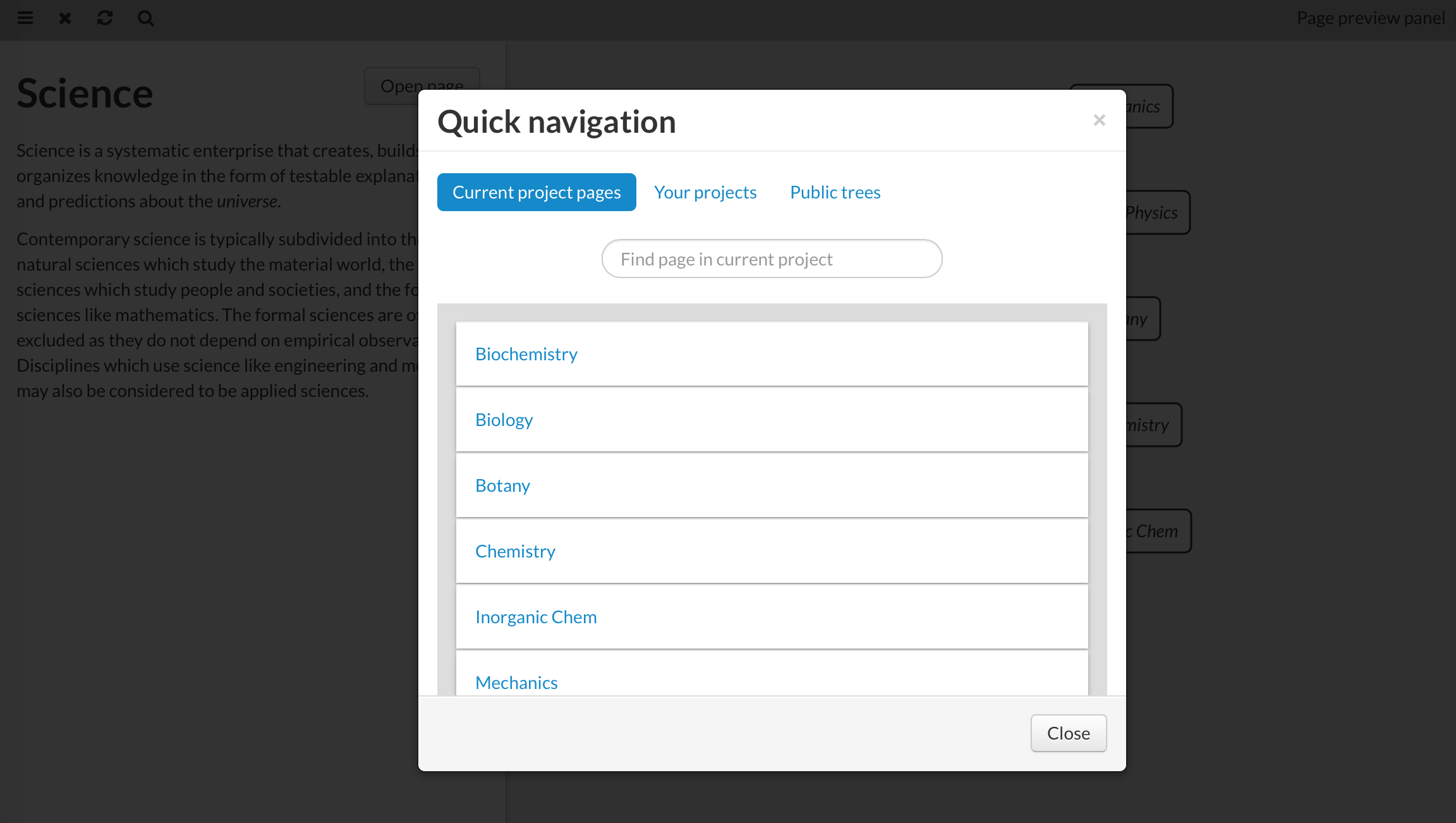
### Quick navigation
Allows to quickly find a page in the current project, find a private project by name, or public hierarchy by name.
***
***